DEALVAULT / JOURNAL
Tidy desk cables: measure first, buy fewer accessories
DealVault ·
AI-assisted guide by DealVault. This is a buying checklist, not a hands-on product test. Illustrative product photos do not verify performance. Product links may earn us a commission.
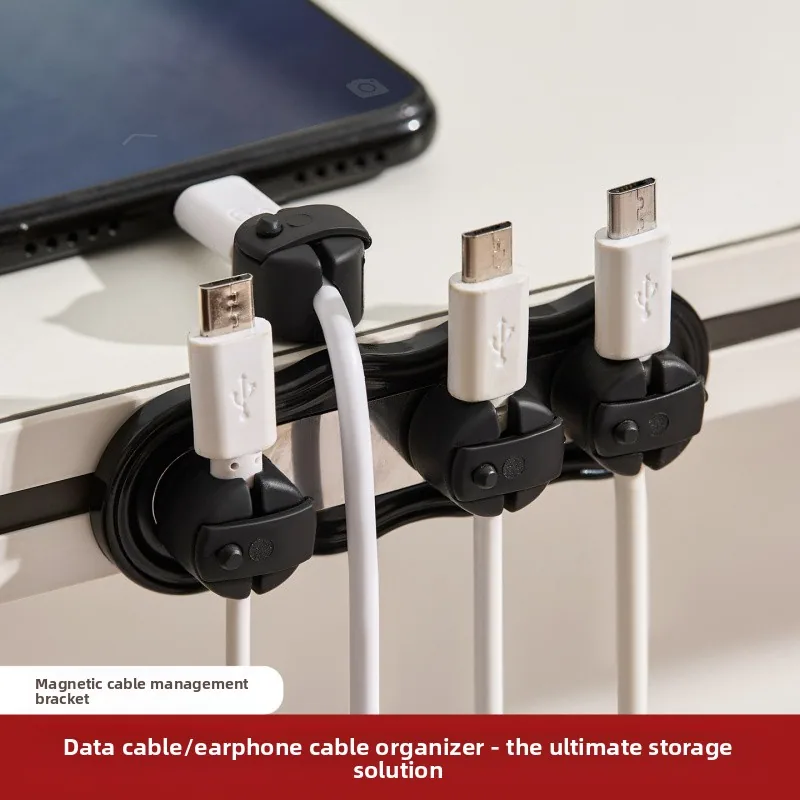
Map the cables you actually use
List the devices that stay on the desk and those you regularly remove. Trace each cable from socket to device. Separate cables you need to unplug often from the ones that can remain tucked away. Before buying organisers, remove unused cables and try a temporary layout with the accessories you already own.
Measure the attachment points
Check desk thickness, usable underside space and the distance to the wall. For a clamp, compare its stated opening with the actual desk edge, including any lip or frame. For adhesive clips, check the product’s surface requirements and consider whether removal could mark your furniture. Do not assume a product photograph shows the same desk construction as yours.
Leave room for movement
Allow slack for a laptop that moves, a chair that turns and a desk that changes height. Keep cable routes away from wheels, sharp edges and heat sources. Make sure an organiser does not obstruct a device’s ventilation or make a power connection difficult to reach.
Buy for the smallest remaining problem
If two cables keep falling behind the desk, a few correctly sized clips may solve the problem without a large tray. If a tray is needed, measure its usable interior against the items you intend to place there. Check the listing’s dimensions and mounting method; the illustrative photo is not proof of fit.